Teachers and education
An explainer video maker for teachers who check the facts
For teachers, tutors and course creators who want a short, clear video to open a lesson or explain one tricky idea. You type the question your class keeps getting wrong, StickTale researches it and makes a narrated stickman explainer, and you check the script and sources before it goes on the projector.
Sample script: Why do we have seasons?
- Quick question: is Earth closer to the sun in summer?
- CLOSEST: JANUARYMost people say yes. It's actually closest in early January.
- That's winter in the Northern Hemisphere. So distance isn't the reason.
- 23.5° TILTThe real reason is tilt. Earth's axis leans about 23.5 degrees.
- DIRECT LIGHTWhen your half leans toward the sun, sunlight hits more directly and days are longer. Summer.
- Lean away and you get winter. Even in January, when the sun is closest.
Each line becomes one illustrated scene, narrated in one continuous take.
Short enough to teach with
A classroom explainer does one job: get a single idea across, then hand the room back to you. A 1 to 3 minute video works well as a lesson opener or a review, and leaves time to discuss it. StickTale makes videos from about 45 seconds up to 10 minutes.
- 16:9 (YouTube format) for the projector or interactive whiteboard.
- 9:16 (Short format) for a quick video families or older learners watch on a phone.
- Captions in a clean or boxed style help students follow along, including those who are deaf or hard of hearing and English learners.
Use the hook to tackle misconceptions
Every script opens with a hook and builds to a twist. That structure fits teaching surprisingly well, because the best hook is often the common wrong answer. In the seasons example, the video starts with what most students believe and then knocks it down.
Try pausing the video right before the twist and asking the class to predict what comes next. Then play the payoff, which calls back to the opening question.
- Bell-ringer: play the video, then ask one question about it.
- Flipped homework: share it before class and spend class time on practice.
- Review: make a video for the concept that came up most on the last quiz.
Check accuracy and fit before class
You know your students and your curriculum, so give every video a read before showing it:
- Open the source list and confirm the key facts. The script is fact-checked against its research, but your name is on the lesson.
- Adjust the vocabulary. Rewrite any line that is too advanced or too casual. It is re-voiced automatically.
- Pick the tone. The default, Direct & funny, includes jokes. Wholesome & upbeat or Calm documentary may suit some classes better.
- Choose a character. The Scientist preset works for STEM. For other subjects, describe a character that fits, like "a medieval scribe".
What to know before using it for school
StickTale accounts are for adults (18+). The teacher or course creator makes the videos, and students only watch the finished file. Because you export a regular MP4, you can upload it to your learning platform, add it to slides or play it offline, with no student logins involved. Check your school or district policy on AI tools too.
Narration is English only for now, and there are no school or team accounts. Plans are on the pricing page, and the first month is refundable within 14 days if StickTale does not suit your class. To see the whole process first, read how to make a stickman explainer video, compare it with Atlabs, or make your first classroom video.
What the output looks like
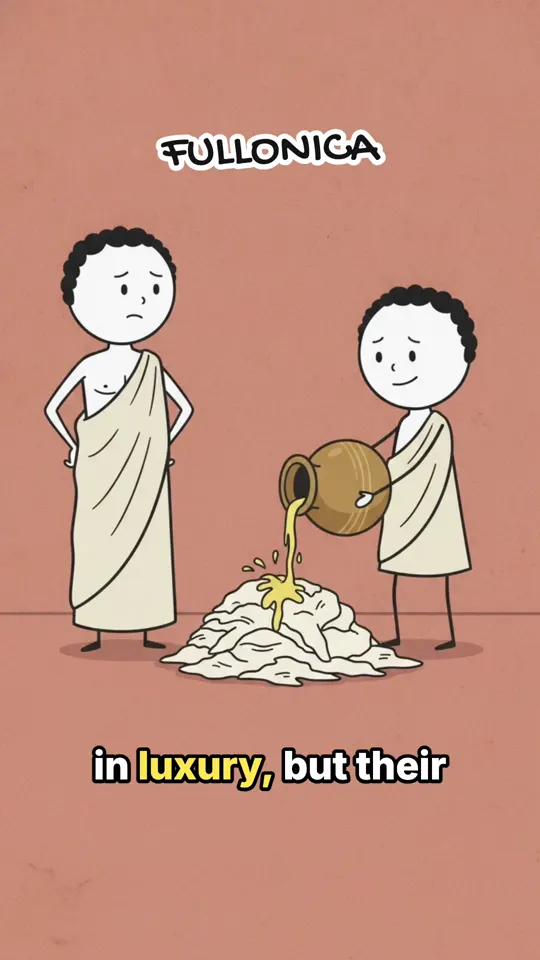
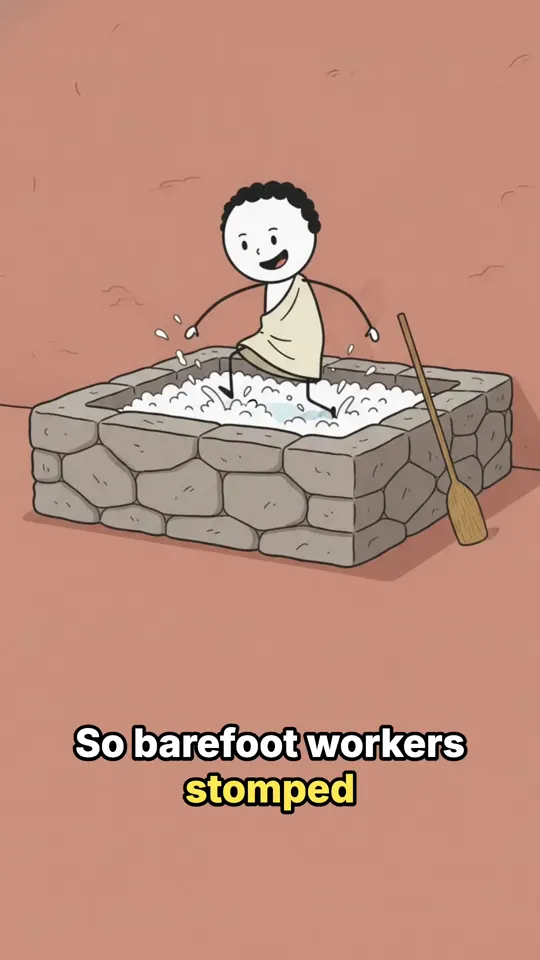
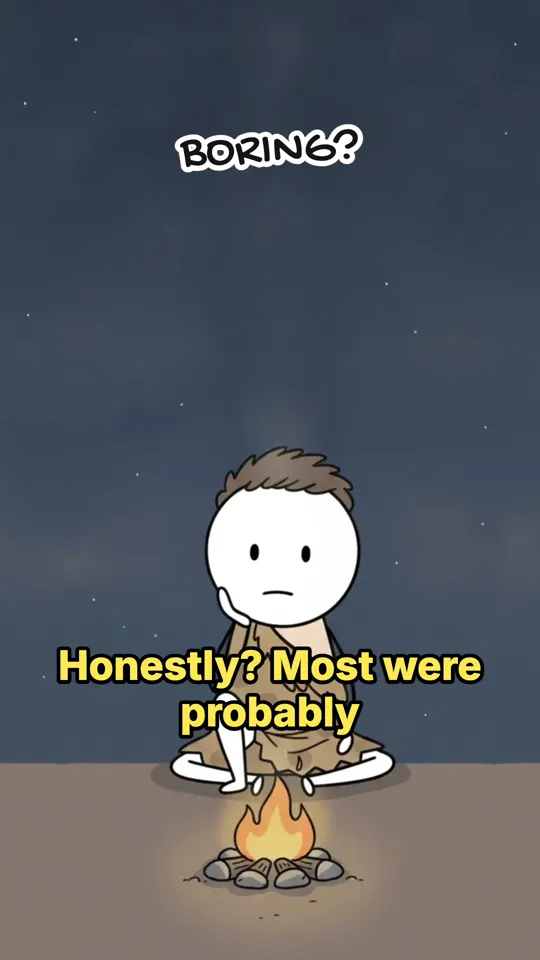
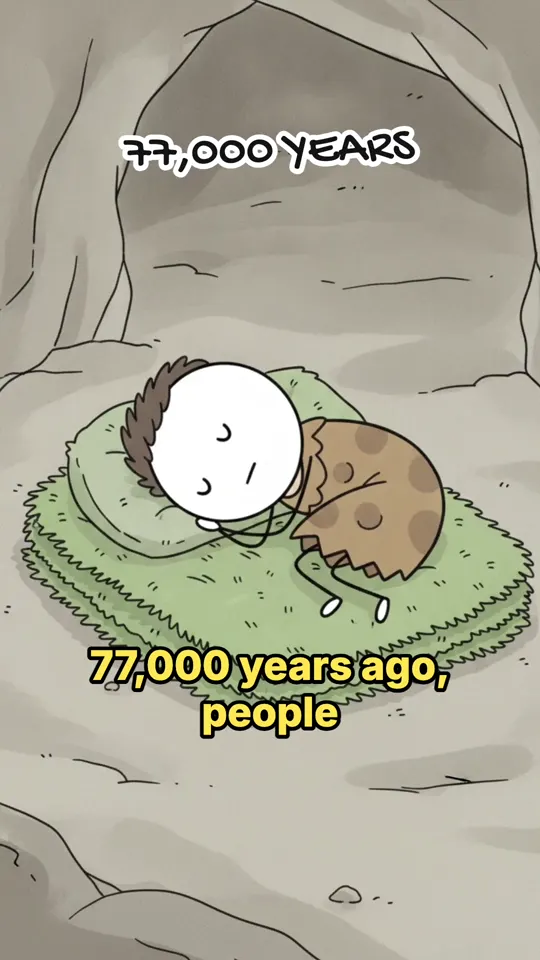
Questions
Can students use StickTale?
No. StickTale accounts are for adults (18+). Teachers, tutors and course creators make the videos, and students watch them in class or wherever you share them.
How long should a classroom explainer video be?
Short. One idea per video, usually 1 to 3 minutes for an opener or review, so there is time to discuss it. Longer videos up to 10 minutes are possible for flipped lessons.
How accurate are the videos?
Research is grounded in Google Search, the script is fact-checked against it, and you get the list of sources. Treat it like a textbook draft: check the key facts before you show it.
Can I share the videos on Google Classroom or another learning platform?
Yes. You export an MP4 that you own, so you can upload it anywhere that accepts video files. StickTale does not connect to learning platforms directly.
Can I make videos in Spanish or other languages?
Not yet. Narration is English only for now.
Is there a free option for teachers?
No. There is no free plan and no separate education plan. Plans start at $19 a month, and your first month is refundable within 14 days if you have used less than 20% of it, so you can try it with a real lesson.
Updated October 22, 2026
Make your first stickman video
StickTale is in private beta. Join the waitlist and we’ll send your invite as soon as a spot opens.