Production
How to Make a Stickman Explainer Video: The Full Workflow

By the StickTale team
· 11 min read
To make a stickman explainer video, turn a topic into one specific question, research the answer, and write a short script that opens with a hook and ends with a payoff. Illustrate it with the same stick figure in a new picture about every five seconds, record one calm narration over the pictures, then add captions and slow camera motion. Export a vertical 9:16 file for Shorts or a 16:9 file for YouTube. This guide covers the whole workflow, by hand and with an AI tool.

What is a stickman explainer video, and how long should it be?
A stickman explainer is a sequence of still drawings with gentle camera motion, one narrator, and captions. It is not full animation: characters do not walk across the screen frame by frame. A new picture appears roughly every five seconds, and that steady rhythm is what keeps viewers watching.
The rhythm gives you planning math. Audiobook narrators and podcasters tend to speak at around 150 to 160 words per minute, so 150 is a safe planning figure for a calm explainer. One picture every five seconds is 12 pictures a minute, which works out to about 12 or 13 words of narration per picture. Multiply by the length you want and you have your word budget and your picture count before you write a line.
Pick the format first, because every later choice follows from it. A Short is vertical (1080 x 1920) and answers one question start to finish; YouTube now allows Shorts up to 3 minutes long, but 45 to 60 seconds is enough for one question. A long-form video is horizontal (1920 x 1080), usually 6 to 12 minutes, and breaks one question into three or four chapters.
| Video length | Format | Words of script | Pictures |
|---|---|---|---|
| 45 seconds | Short (9:16) | about 110 | 9 |
| 60 seconds | Short (9:16) | about 150 | 12 |
| 3 minutes | Short (9:16), the maximum | about 450 | 36 |
| 8 minutes | YouTube (16:9) | about 1,200 | 96 |
| 10 minutes | YouTube (16:9) | about 1,500 | 120 |
How do you pick a topic and research it?
"Medieval law" is a topic. "Why did medieval courts put pigs on trial?" is a video. The question gives the viewer a reason to stay (they want the answer) and gives you a structure (the video is the answer).
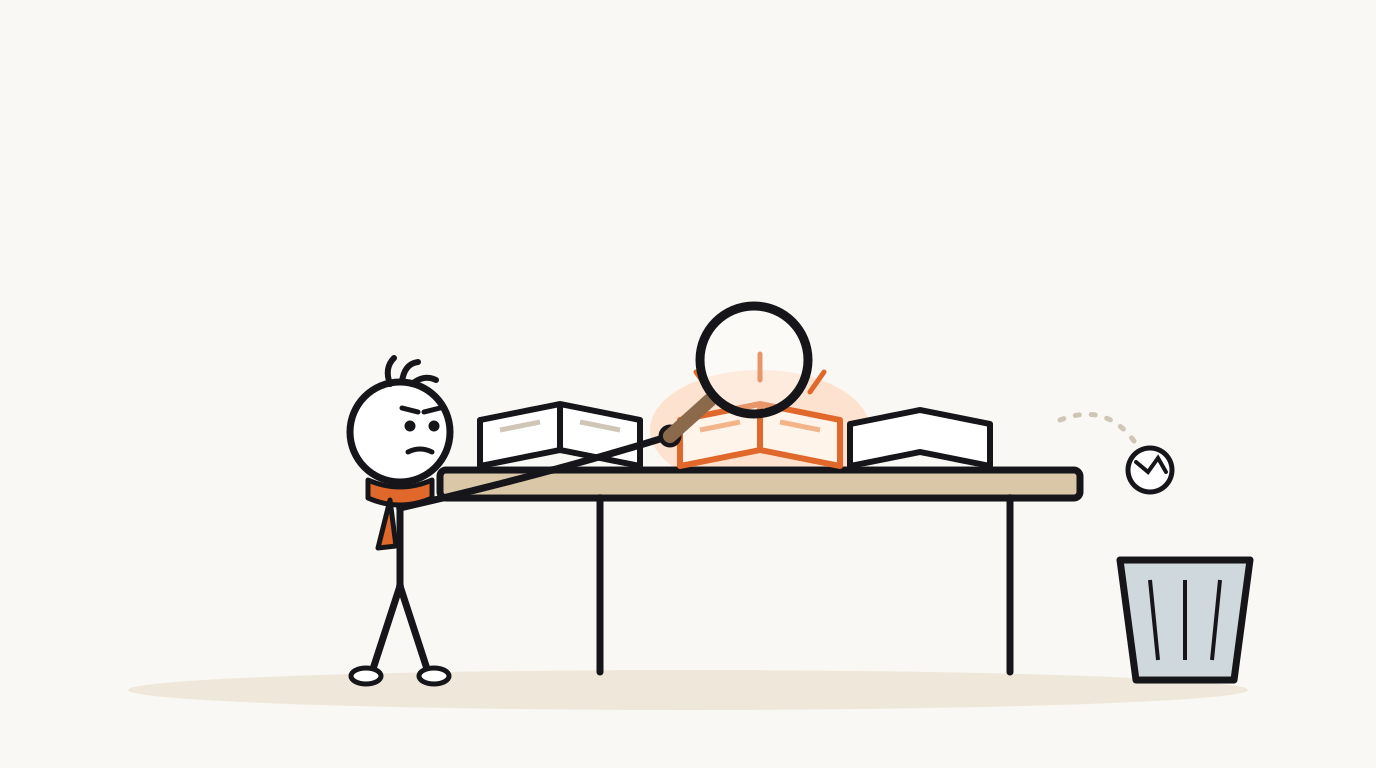
Research is where most fast-made explainers fall down. If a fact appears in only one place, or only on content farms, cut it or hedge it with "according to" and name the source. In this format, accuracy beats punch every time.
- Write the topic as a question that starts with why, how or what.
- Run four checks: it is specific, the answer is surprising, you can picture the first scene, and you can state the answer in one sentence. If you cannot imagine the opening picture, the next 50 seconds will be hard to illustrate too.
- Read at least three sources. Prefer ones that cite evidence: university pages, museum and zoo sites, published books, peer-reviewed summaries.
- Write a three-line research note: the answer in one sentence, the single most surprising detail, and the thing most people get wrong. That last line often becomes your twist.
- Save every link. They go in your video description, and they settle arguments in the comments.
How do you write a stickman explainer script?
Scripts that hold attention follow a five-beat shape. Write the beats as one-line notes first, then fill in the words. Every sentence should describe something you can draw, because each one will become a picture.
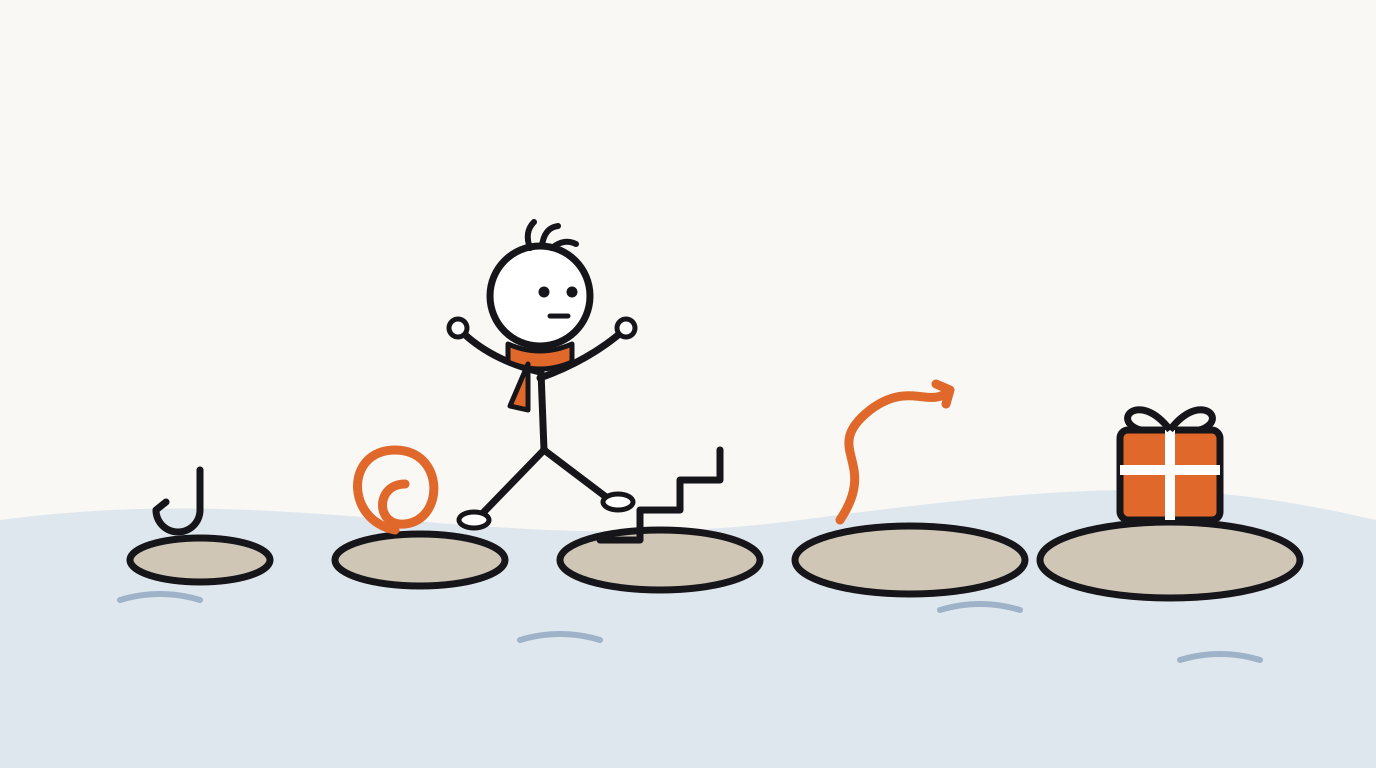
Here is the flamingo note turned into a 50-second Short: about 125 words and 10 scenes, one every five seconds. The capitalized tags are the hand-lettered labels that appear on screen.
- Hook (first line): a surprising claim or question. No greeting, no channel intro.
- Open loop: promise the answer without giving it yet.
- Escalation: two or three facts, each stranger than the last.
- Twist: the detail that reframes everything, often the misconception from your research note.
- Payoff: answer the question and call back to the hook so the ending feels complete.
Why are flamingos pink? (50-second Short)
- GRAY?Flamingos hatch gray. Not pink. Gray.
- So where does all that pink come from? It isn't in the egg.
- BRINE SHRIMPIt's in their lunch. Flamingos filter tiny algae and brine shrimp out of salty water.
- CAROTENOIDSThose are packed with carotenoids, the same pigment family that makes carrots orange.
- A flamingo's body processes those pigments and tucks them into every new feather.
- 2 YEARSIt takes about two years for a chick to reach its full adult color.
- Here's the twist: take those pigments away, and new feathers grow in pale.
- ZOO DIETThat's why zoos mix a pigment called canthaxanthin into flamingo food.
- So a flamingo isn't born pink. It eats its way there.
- Those gray chicks aren't a different bird. They just haven't had enough lunch yet.
How many pictures do you need, and what goes in each one?
Split the script into chunks of 10 to 15 words; each chunk gets one picture. The flamingo script above already has one scene per line, so it needs 10 pictures. For each, write a one-line scene description that names an action, not just a subject. "Flamingo" is a weak scene. "A gray fluffy chick standing next to a bright pink adult, both staring at the camera" is a scene.
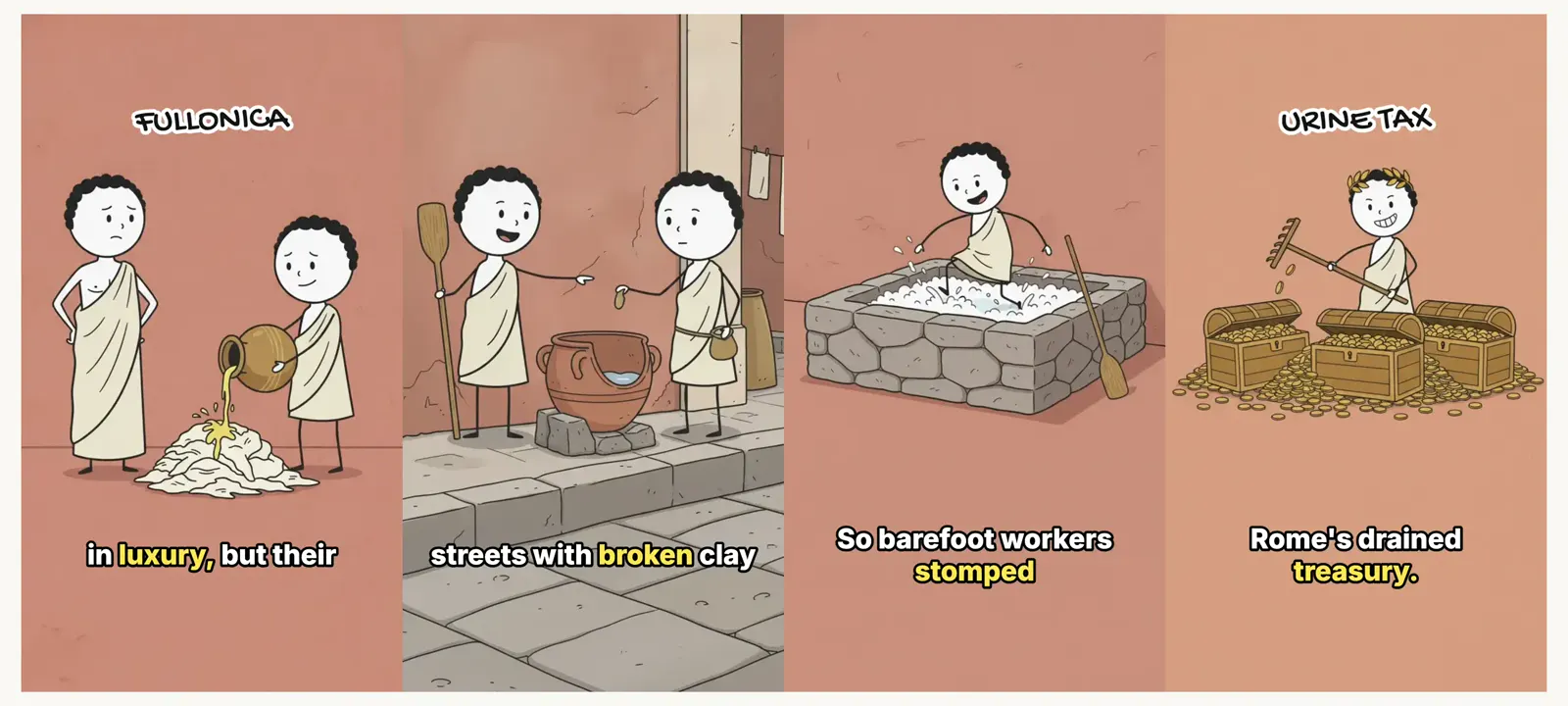
Vary the framing so the sequence never feels like a slideshow: a wide shot to set the place, a close-up for the reveal, a diagram-style frame for the science, a reaction shot of the character. Add a short hand-lettered label where a word matters. Labels help people watching on mute, and they make screenshots and thumbnails readable.
How do you keep the stick figure consistent?
The recurring stick figure is the face of a faceless channel, so it has to look like the same person in every frame. Decide the fixed traits up front and write them down: round white head, dot eyes, thin black limbs, plus one or two details that set it apart, such as curly hair, a red tunic or a tool it always carries.
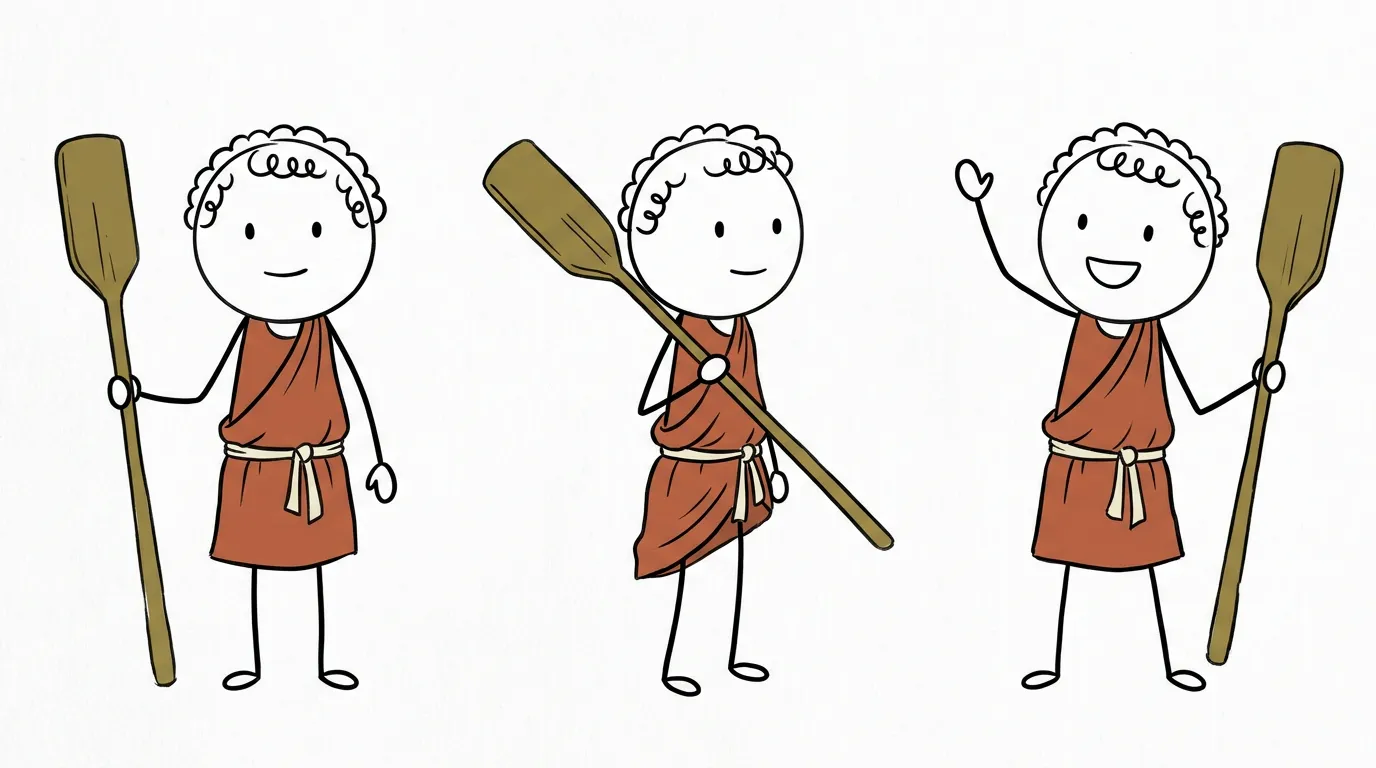
Then draw a reference sheet with the character in two or three poses and expressions. By hand, keep that sheet open next to your canvas and build every scene from a duplicated template layer so proportions do not drift.
How do you add narration, music and sound effects?
Record the full script in one take if you can, or in long sections. Stitching sentence-by-sentence recordings creates small jumps in tone and room sound that viewers notice even if they cannot name them. Use a calm, slightly dry delivery and leave a half-beat pause before the twist. Silence is your best emphasis tool.
If you record yourself, a USB microphone in a small room with soft furnishings is enough. If you use a synthetic voice, pick one and keep it across your channel so the voice becomes part of the brand.
Keep music low enough that no word is ever hard to hear, and match it to the tone: light and plucky for funny topics, low strings for serious ones. A few sound effects (a pop when a label appears, a whoosh on a scene change) help. More than one every few seconds starts to feel cheap.
How do you add captions and motion, then export?
Plenty of people scroll with the sound low or off, and captions help everyone follow fast narration, so treat them as required. Show one to four words at a time and keep them off the character's face. On vertical video, keep captions and labels clear of the bottom of the frame and the right edge, where the title and buttons sit.
For motion, a slow push-in or pan on each still is enough to make pictures feel alive. Zooming from 100% to about 108% over a five-second shot is a good starting point. Use short dissolves between scenes and save a hard cut for the twist.
Export an MP4 at 1080p: 1080 x 1920 for Shorts, 1920 x 1080 for long-form. Before you upload, write two or three title options, a description with your sources, and a thumbnail with no more than four words.
How long does it take: by hand vs with StickTale?
Done by hand, the workflow spans five tools: a browser for research, a document for the script, a drawing app, an audio editor and a video editor. It is a good way to learn the craft and gives you full control over every line and pose. It is also slow, and most of the time goes into drawing ten or more consistent pictures and syncing them to the voice.
The table below estimates a 50-second Short with 10 to 12 pictures. The by-hand column is our own estimate for someone who already knows their tools, built from per-task ranges (for example, 10 to 20 minutes per drawing times 12 drawings). Your numbers will differ, but the drawing row dominates for almost everyone.
StickTale runs the same steps from a single question. You still make the editorial calls: rewrite any line and it is re-voiced, change what a scene shows and redraw only that picture, or add and remove scenes before exporting a 1080p MP4 with suggested titles, a description and a thumbnail.
| Stage | By hand (estimate) | With StickTale |
|---|---|---|
| Research | 30 to 60 min | Notes grounded in Google Search, with a source list you can check |
| Script | 30 to 60 min | Written around hook, open loop, escalation, twist and payoff, then fact-checked against the research |
| Character and 10 to 12 drawings | 2 to 4 hours (10 to 20 min each) | Reference sheet drawn first, every scene illustrated from it |
| Narration | 20 to 40 min with retakes | One continuous take, 7 voices to pick from |
| Sync, captions, labels, motion, music | 1 to 2 hours | Added automatically; 4 caption styles |
| Total | roughly 4 to 9 hours | about 2 minutes, plus your review and edits |
What should you check before you publish?
Run this list on every video, whether you made it by hand or with a tool. It takes five minutes and catches the problems that cost views or credibility. If you are planning a whole channel around this format, the YouTube Shorts use case and the guide to history explainer videos go deeper on topics and cadence.
- The first line is the hook. No greeting, no intro, no logo sting.
- The last line answers the question and calls back to the first.
- Every claim appears in at least two solid sources, and the links are in the description.
- The character looks the same in every frame: hair, outfit, props.
- No picture stays on screen much longer than six seconds.
- Captions are on, readable on a phone, and never cover the character's face.
- Labels and captions stay clear of the bottom and right edge on vertical video.
- Music never competes with the voice; watch once with your eyes closed to check.
- The file is 1080 x 1920 (Short) or 1920 x 1080 (long-form) MP4.
- You have two or three title options and a thumbnail with four words or fewer.
Questions
What software do I need to make a stickman video?
By hand you need a drawing app, an audio recorder or editor, and a video editor that supports captions and keyframed zoom. Any tablet drawing app and any mainstream editor will do. An AI tool like StickTale replaces all three with one web app and exports a finished MP4.
How long should a stickman explainer video be?
For Shorts, 45 to 60 seconds is enough to answer one question with a hook, a twist and a payoff, even though YouTube allows Shorts up to 3 minutes. For long-form YouTube, 6 to 12 minutes works well because it leaves room for three or four chapters without padding.
Do I need to know how to draw?
No. The style is deliberately simple: a round head, dot eyes and stick limbs. Clear composition, one idea per picture and a character who looks the same in every frame matter more than drawing skill.
How many pictures does a stickman video need?
Plan on one picture every 4 to 6 seconds, or about 12 per minute. That is 9 to 12 pictures for a 45 to 60 second Short and around 100 for an 8-minute video.
How long does it take to make a stickman explainer video?
By hand, a 50-second Short typically takes several hours, most of it spent drawing 10 to 12 consistent pictures; our estimate is roughly 4 to 9 hours. With StickTale, a 45 to 60 second Short takes about 2 minutes to generate, and then you review and edit.
Make your first stickman video
StickTale is in private beta. Join the waitlist and we’ll send your invite as soon as a spot opens.