Production
Background Music for YouTube Videos: How to Choose It, License It and Mix It Under Narration

By the StickTale team
· 10 min read
The safest background music for YouTube videos is the free YouTube Audio Library, which YouTube says is copyright-safe and won't be claimed through Content ID. Pick tracks by the tone of your script, not your taste: instrumental, steady and simpler than the story. Then keep the music well below the voice; one listening study recommends at least 10 LU between commentary and music. Below is how to choose by tone, where to get music, how claims work, and how to mix and edit music around narration.
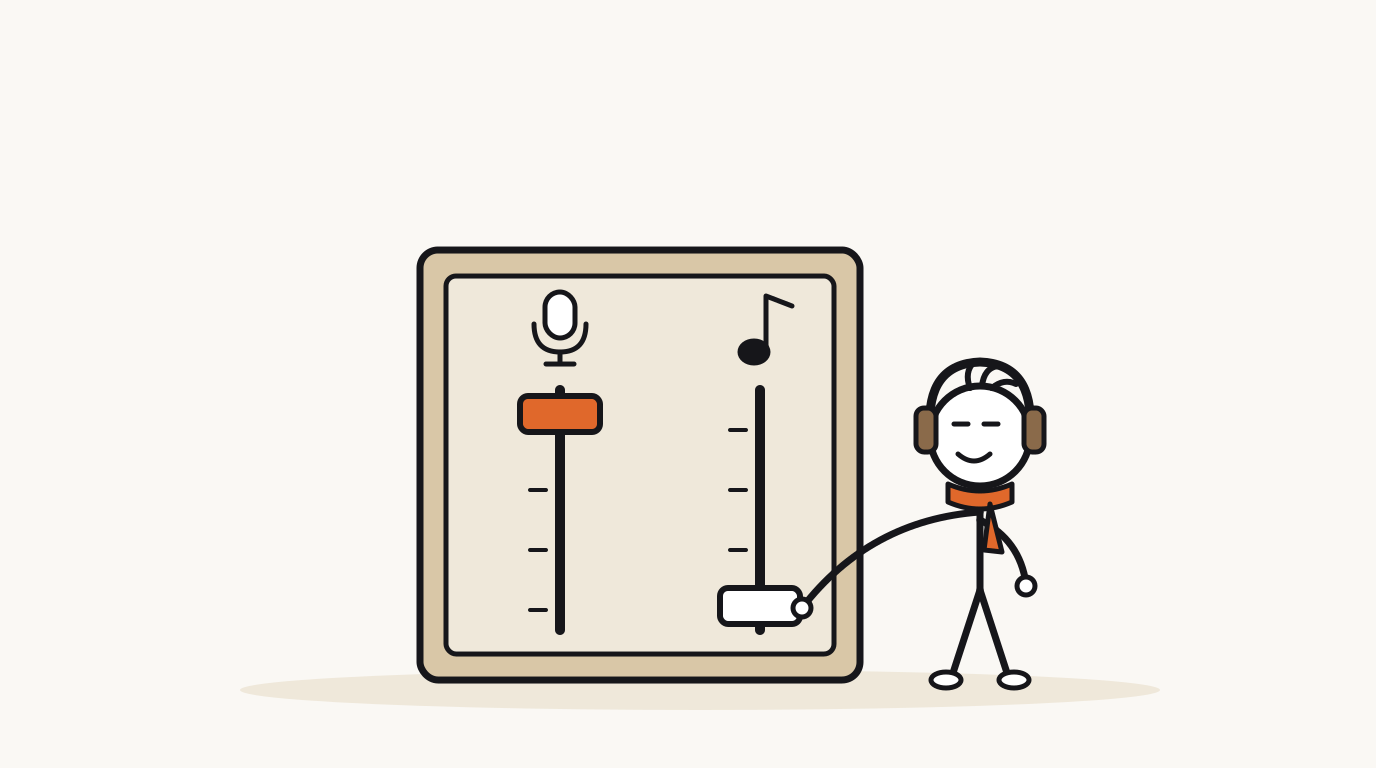
What background music works for an explainer video?
In an explainer, music has one job: set the mood without taking attention from the words. The viewer is following an argument, so anything that competes with the voice costs comprehension. That rules out most of what you'd put on a playlist.
Choose by the tone of the script, not by genre. A funny, direct Short and a calm documentary about the same topic need different music, because the music tells the viewer how to feel about what they hear.
- No lyrics under narration. Two voices at once is two sentences the viewer has to follow.
- Steady over clever. A track with a loud drop or a key change halfway will land on a random line of your script.
- Simpler than the story. Stick-figure pictures are simple on purpose; dense music undoes that.
- One track per Short. Switching tracks in 50 seconds makes the video feel like two videos.
| Script tone | Music to look for | Avoid |
|---|---|---|
| Direct and funny | Light, bouncy, mid-tempo; pizzicato strings, ukulele, soft percussion. | Comedy "boing" cues under every joke; they telegraph the punchline. |
| Calm documentary | Slow, warm, sparse; piano, soft pads, ambient textures. | Sad or heavy pieces that make a neutral topic feel tragic. |
| Gripping and dramatic | Pulsing low strings, steady drums, slow builds. | Constant big hits; if everything is dramatic, nothing is. |
| Wholesome and upbeat | Bright acoustic guitar, glockenspiel, gentle claps. | Fast tracks with busy melodies that race the narrator. |
Where can you get background music that is safe for YouTube?
YouTube's help page on the Audio Library is unusually direct: only music and sound effects from the Audio Library are known to YouTube to be copyright-safe, and tracks downloaded from it won't be claimed through Content ID. Every other source can be fine, but the risk sits with you and the license you accepted.
If you're in the US and in the YouTube Partner Program, Creator Music adds commercial tracks you can license or share revenue on. Its licenses only cover long-form videos, not Shorts, and they don't transfer to other platforms or channels.
| Source | Cost | Claim risk on YouTube | Watch out for |
|---|---|---|---|
| YouTube Audio Library | Free | Lowest: YouTube says its tracks won't be claimed | Creative Commons tracks need credit in the description. |
| Creator Music | License or revenue share | Covered for licensed long-form uses | US YPP only for now, no Shorts, YouTube only. |
| Paid royalty-free libraries | Subscription or per track | Depends on the library and your license | Keep license records; know how to clear a claim. |
| Commercial songs | Usually no license | High | Claims can block or monetize your video for the owner. |
| Your own or commissioned music | Your time or a fee | Low if you own all rights | Samples inside it can still be claimed. |
How do you use the YouTube Audio Library?
The Audio Library lives inside YouTube Studio and holds royalty-free music and sound effects, with new music added twice a month. You can filter music by genre, mood, artist, duration and whether attribution is required, which makes it practical to search by tone.
Mood is the most useful filter for explainers, and duration the second: a track a little longer than your video saves you from looping it. Star a few dependable tracks per tone so you aren't searching from scratch every video.
- Open YouTube Studio and select Audio Library in the left menu.
- Filter by mood that matches your script's tone, then by a duration slightly longer than the video.
- Turn on the filter for tracks that don't require attribution, unless you're happy to add a credit.
- Preview tracks with your narration in your head: is it simpler and quieter than the story?
- Download the MP3. If the track is Creative Commons, copy its attribution text into your description.
- Star the track and note which tone it suits, to build your own shortlist.
What happens if your video gets a Content ID claim for music?
When an upload matches a work in YouTube's Content ID system, a claim is created automatically, and the owner's settings decide what happens: block the video, monetize it with ads, or track its views, sometimes only in certain countries. Claims affect the video, but usually not your channel. Strikes are a separate thing that comes from a valid copyright removal request.
Shorts have a stricter rule. YouTube says any Short over one minute with an active copyright claim of any type is blocked worldwide and can't earn money until the claim is resolved, though there's no penalty to the channel. For a 90-second explainer Short, one claimed song means the video doesn't play at all.
| Option | What it does | When to use it |
|---|---|---|
| Leave it | The owner's policy applies, for example their ads on your video. | Long-form only, and only if you accept the policy. |
| Erase the song | Mutes just the song, or all audio, in the claimed part. | Choose "just the song"; muting all audio silences your narration. |
| Trim | Cuts out the claimed segment. | When the music is in an intro or outro you can lose. |
| Replace the song | Swaps the track for one from the Audio Library. | Usually the cleanest fix when music is mixed separately. |
| Dispute | Challenges the claim. | Only when you are sure you hold all the rights. |
Which music copyright myths get creators in trouble?
YouTube's copyright FAQ answers the most common excuses directly. None of these give you the right to use someone else's music; you need permission or a license that covers the use.
- "I gave credit." Credit doesn't automatically give you rights, unless the license itself is one that only asks for credit, like Creative Commons Attribution.
- "It's only a few seconds." YouTube says any amount can cause issues, even a few seconds.
- "I bought the song." Buying a track or album doesn't give you the right to upload it in your videos.
- "I'm not monetizing." Not making money from it doesn't prevent copyright issues.
- "I wrote 'no infringement intended.'" Disclaimers don't give you any rights.
How loud should background music be under narration?
Much quieter than most creators first think. In a listening study on TV mixes, Torcoli and colleagues recommended at least 10 LU of loudness difference between commentary and music, and found that non-expert listeners wanted the gap about 4 LU larger than audio experts did. LU is a loudness unit; a 10 LU gap is roughly a 10 dB drop on the music track.
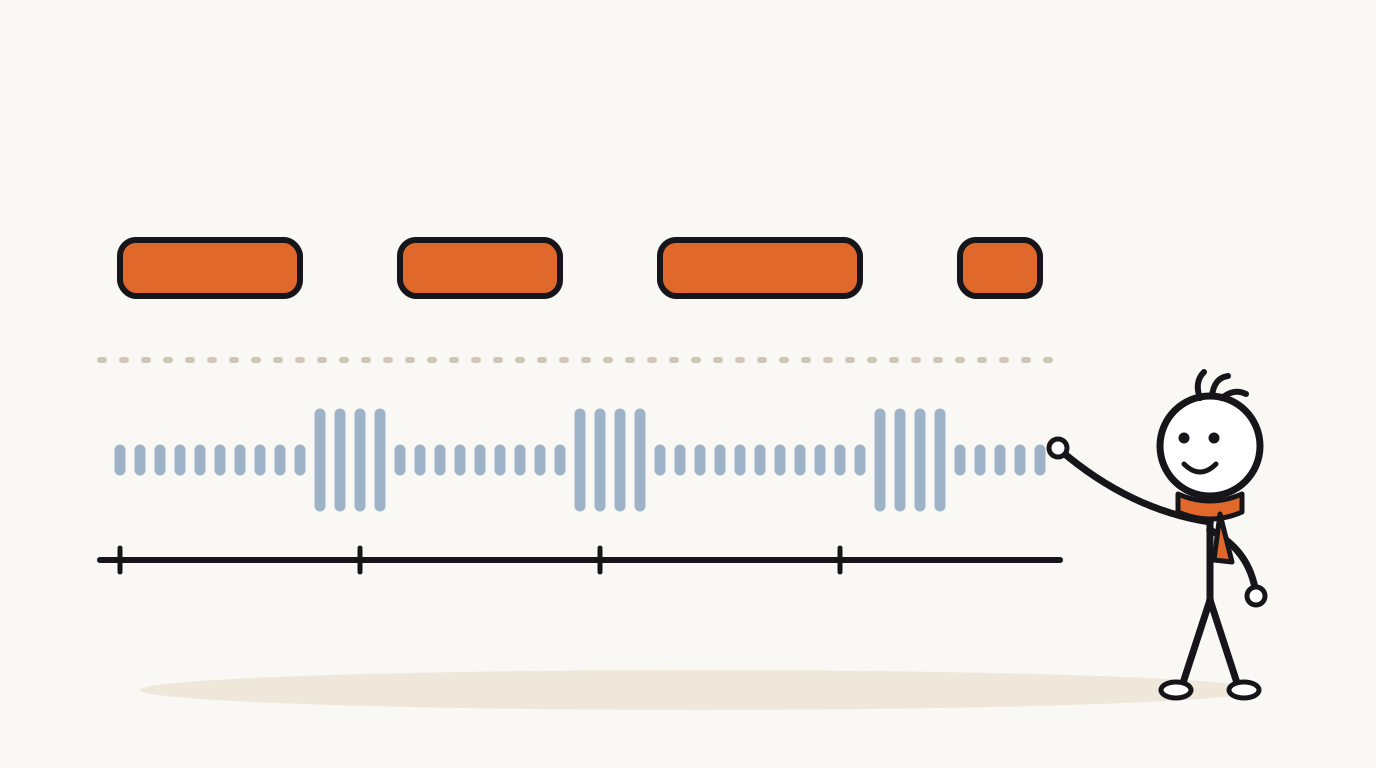
The second finding matters for creators. After an hour of editing, you hear your music better than a first-time viewer does, and you know every word of the script. Your viewers are the non-experts, so if a 10 LU gap sounds right to you, try 12 to 14 for them.
- Set the narration level first and leave it alone.
- Bring the music up from silence until you can just hear it under the voice, then pull it down a few more dB.
- If your editor shows loudness, aim for the music at least 10 LU below the narration; if it doesn't, start the music about 10 to 14 dB below the voice.
- Duck the music under speech and let it rise slightly in pauses, by a few dB, never to full level.
- Play the video on a phone speaker and on earbuds. If you lose a single word on either, lower the music.
How do you edit music around the narration?
Good music editing follows the script's structure. The pauses you plan for pacing are where music can breathe, and the reveal is where silence can do more than any track. Our guide to explainer video pacing shows where those pauses usually fall.
Start the narration on the first frame, with the music already under it, rather than a music intro before the voice. A silent or music-only opening wastes the hook, and YouTube lists a long silence at the start as one reason automatic captions may fail, which matters if you rely on them alongside your Shorts captions.
- Hook: music and voice start together; no instrumental intro.
- Build: keep the bed steady; let the narration and pictures do the escalating.
- Pause before the reveal: let the music rise slightly, or drop it out entirely for a beat of silence.
- Payoff: bring the music back under the last line and end it with the video, ideally on a phrase ending, not mid-note.
- Long-form: one track per chapter is fine, but crossfade at chapter breaks, not mid-sentence.
Questions
Where can I get free background music for YouTube videos?
The YouTube Audio Library in YouTube Studio is free, and YouTube says its tracks are copyright-safe and won't be claimed through Content ID. Some tracks are Creative Commons and require an attribution line in your description; you can filter for tracks that don't.
Can I use a song if I give credit to the artist?
Not unless the license allows it. YouTube's copyright FAQ says giving credit doesn't automatically give you the right to use copyrighted content. Licenses like Creative Commons Attribution are the exception, because crediting is the condition of the license.
How loud should background music be compared to the voice?
Well below it. A listening study recommended at least 10 LU of difference between commentary and music, and found casual listeners preferred an even bigger gap. In practice, start the music 10 to 14 dB below the voice and check that no word gets lost on a phone speaker.
What happens if a YouTube Short uses copyrighted music?
It can get a Content ID claim. For Shorts over one minute, YouTube says any active copyright claim blocks the Short globally and makes it ineligible for monetization until the claim is resolved, though there's no penalty to the channel.
Should explainer videos have background music at all?
Usually yes, quietly. A soft music bed fills the small gaps between lines and sets the tone, which makes narration feel finished. What matters is that it stays instrumental, steady and well below the voice; music the viewer notices is usually too loud or too busy.
Make your first stickman video
StickTale is in private beta. Join the waitlist and we’ll send your invite as soon as a spot opens.