Production
The Best Stickman Animation Software in 2026, Free and Paid

By the StickTale team
· 13 min read
The best stickman animation software depends on what you want your stick figures to do. If they need to walk, fight and fall frame by frame, start with a free animator: Pivot Animator on Windows, Stick Nodes on a phone, or Pencil2D on a Mac. If you want rigged characters you can reuse for months, Moho or Toon Boom Harmony are the serious picks. For a drawing-hand whiteboard look, use Doodly or VideoScribe. And if you want a narrated stickman explainer without animating anything, AI generators such as Hooked, Atlabs and StickTale build the video from a script or a question. Below are 14 tools with current prices, platforms and who each one suits.
What kind of stickman video are you making?
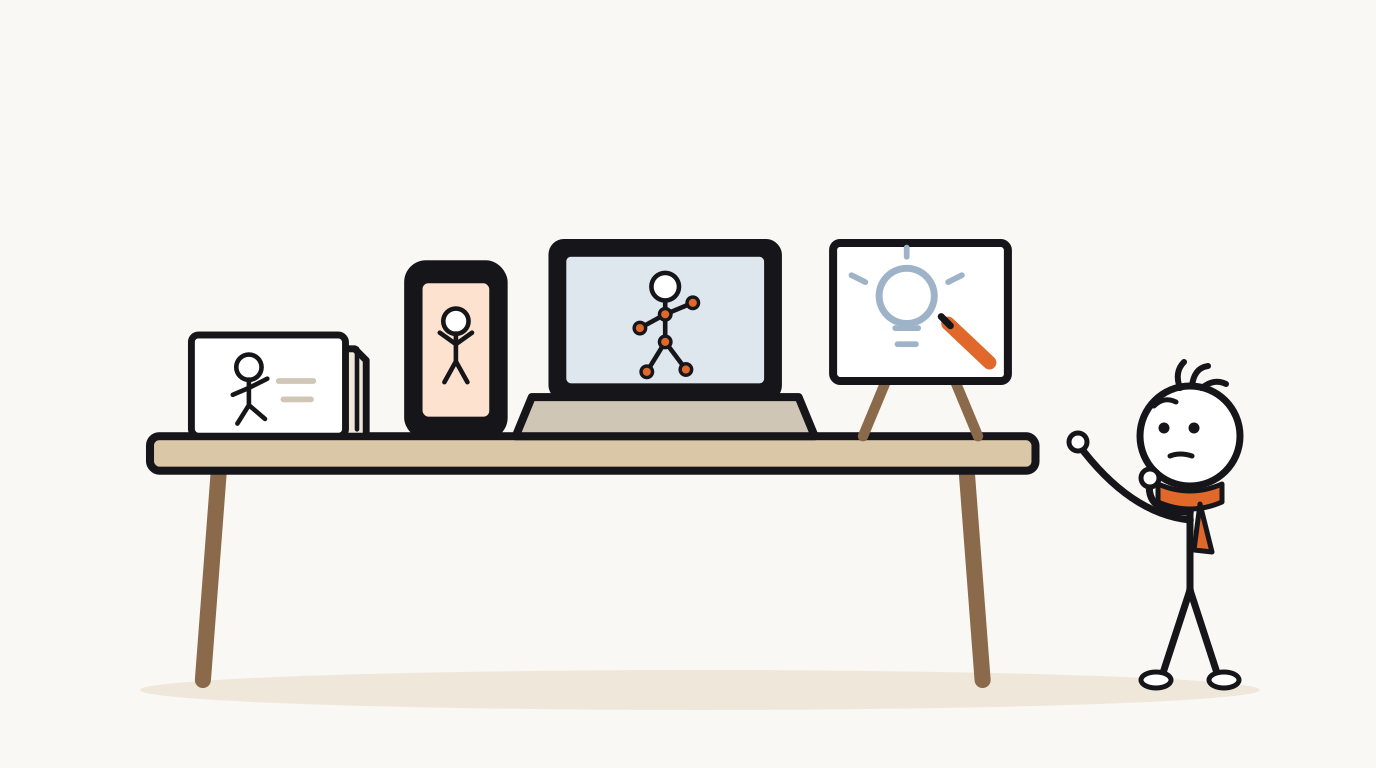
"Stickman animation software" covers four different jobs, and the best tool for one is the wrong tool for another. Decide which of these you are making before you compare prices.
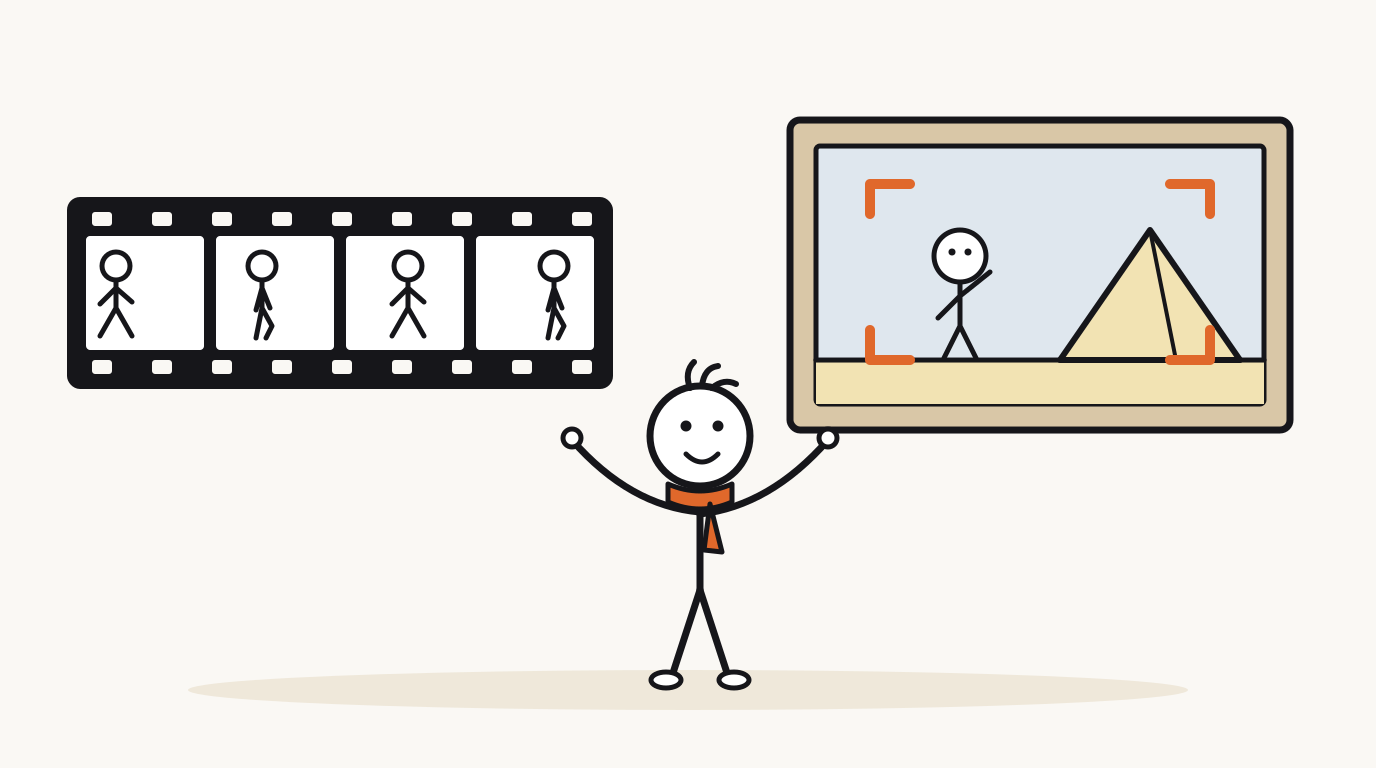
The biggest split is between motion and stills. Stick fights and slapstick need figures that move, so every pose is animated. Many faceless explainer channels on YouTube don't animate their characters at all: they show one still drawing per idea, change the picture every few seconds, and let slow zooms and pans do the work of motion. Mixing the two up is the easiest way to pay for the wrong tool, or to spend a weekend animating a walk cycle nobody needed.
- Frame-by-frame animation: you pose the figure in every frame and the software plays the frames in order. This is how stick fights, walk cycles and comedy bits are made. Tools: Pivot Animator, Stick Nodes, FlipaClip, Pencil2D.
- Rigged 2D animation: you build a character once with a skeleton of bones, then move the bones instead of redrawing. Better for long projects with recurring characters. Tools: Moho, Toon Boom Harmony, Adobe Animate.
- Whiteboard or doodle video: a hand draws each picture onto a board while your voiceover plays. Figures rarely move once drawn. Tools: Doodly, VideoScribe, and the whiteboard styles in Vyond and Animaker.
- AI-generated explainer: you supply a script or a question, and the tool produces scenes, narration and captions. Tools: Hooked, Atlabs Stick Style, StickTale.
The best stickman animation software at a glance
Prices below are in US dollars and come from each tool's official site on October 23, 2026. Where a vendor quotes an annual price, it is shown. App store prices vary by country, and vendors change plans often, so check the linked page before you buy.
| Tool | Price | Platform | Type | Best for |
|---|---|---|---|---|
| Pivot Animator | Free, including commercial use | Windows | Frame-by-frame stick figures | Beginners and stick-fight animators on a PC |
| Stick Nodes | Free; Pro is $3.99 one-time on the US App Store | Android, iOS | Frame-by-frame stick figures | Animating on a phone or tablet |
| FlipaClip | Free, with ads and in-app purchases | Android, iPhone, iPad | Frame-by-frame drawing | Hand-drawn stick animation on a tablet |
| Pencil2D | Free and open source | Windows, macOS, Linux, FreeBSD | Frame-by-frame drawing | Mac and Linux users who want a free animator |
| Adobe Animate | $22.99/month (annual plan, billed monthly) | Windows, macOS | Pro 2D timeline animation | People already working in Adobe tools |
| Moho | Debut $59.99, Pro $399.99, perpetual license | Windows, macOS | Rigged 2D (bones) | Reusable rigged characters |
| Toon Boom Harmony | From $31/month or $259/year | Windows, macOS | Pro 2D animation | Studios and career animators |
| Doodly | $49/month (with Voomly Cloud) after a 14-day trial | Mac, PC | Whiteboard doodle | Marketing and sales doodle videos |
| VideoScribe | From $19/month or $91/year; 7-day trial | Browser, Windows, macOS | Whiteboard doodle | Training and presentation videos |
| Vyond | Starter $699/year | Online | Business character animation | Company training and internal comms |
| Animaker | Free plan (watermarked); paid from $15/month billed yearly | Browser | Template animation, incl. whiteboard | Quick template videos on a small budget |
| Hooked | $29/month or $290/year; $89 one-time with your own AI keys | Browser | AI stickman generator | Short-form clips plus avatars, ads and auto-posting |
| Atlabs Stick Style | $39/month, or $29/month billed $348/year; free signup credits | Browser | AI stick-figure animation with motion and lip sync | AI stick figures that move and talk |
| StickTale | $19 or $49/month; no free plan; private beta | Browser | AI narrated explainer: stills with camera motion | Researched explainers for faceless YouTube channels |
Free stickman animation software
Pivot Animator is the classic stick figure animator and still the easiest place to start. You drag red and orange handles to pose a figure, add a frame, pose it again, and play the sequence back. Version 5 adds inbetweening (the software fills in frames between two poses), easing, a virtual camera and text in any installed font. The Pivot FAQ says everyone may use it free for personal or commercial use. Two limits: it runs only on Windows (Pivot 5 needs a GPU), and it has no sound, so you export a video or GIF and add voice and music in a video editor.
Stick Nodes brings the same idea to phones and tablets, and its App Store listing says it was inspired by Pivot. It adds automatic tweening, a camera that pans, zooms and rotates, reusable movie clips and image import. The free version exports GIFs. Stick Nodes Pro costs $3.99 on the US App Store, and the Stick Nodes site describes it as a one-time purchase that removes the startup ad and export watermark and adds MP4 export and sound effects. It runs on Android and iOS.
FlipaClip is drawing-first: you sketch each frame yourself with brushes, fill, lasso and shape tools, then export MP4, GIF or transparent PNG, according to its Google Play listing. It is free on Android, iPhone and iPad, with ads and in-app purchases. Pick it if you want your stick figures to look hand-drawn rather than built from segments.
Pencil2D is the free answer for Mac and Linux. Its official site says it is open source and free to use, even commercially, and runs on Windows, macOS, Linux and FreeBSD, with both raster and vector drawing. It is a hand-drawn animation tool, so you draw the figure in each frame instead of posing a ready-made stick figure.
Professional animation software for stick figures
Professional suites are overkill for a ten-second stick fight, but worth it once you build characters you will animate for months. All three below are desktop software for Windows and macOS.
Adobe Animate is the long-running timeline and vector animation tool. It costs $22.99 a month on an annual plan billed monthly, or comes inside Creative Cloud Pro. Know its status before you commit: Adobe emailed customers in early 2026 about plans to discontinue Animate, then changed course. Its maintenance mode FAQ, updated June 8, 2026, says Animate stays available to new and existing users and keeps getting security and bug fixes, but Adobe does not plan to add new features.
Moho is built around bone rigging. You draw a stick character once, give it a skeleton, and animate by moving bones with forward and inverse kinematics. It is sold with a perpetual license: Moho Debut 14 costs $59.99 and Moho Pro 14 costs $399.99. Debut is aimed at first-time animators and hobbyists, and is the cheapest way to get real rigging.
Toon Boom Harmony is studio-grade software. Harmony Essentials costs $31 a month or $259 a year, Advanced $79 or $606, and Premium $143 or $1,161, with a 14-day free trial. Toon Boom pitches Essentials at enthusiasts. For stick figures alone, it is as far up the ladder as you are likely to need.
Doodle and whiteboard animation software
Whiteboard tools animate the act of drawing: a hand sketches each image onto the board in time with your voiceover. Stick figures fit the style well, but they don't walk or fight. You arrange images on a timeline and the software animates how each one appears.
Doodly is installed software for Mac and PC with a drag-and-drop editor. It is sold through Voomly Cloud at $49 a month after a 14-day free trial, which also includes Toonly, Talkia text-to-speech and the rest of the Voomly suite, with a full refund if you cancel in the first 30 days. You place each image and set its timing yourself. Our Doodly alternative page compares it with an AI workflow.
VideoScribe runs in the browser or as a Windows and macOS app that syncs with it. Lite costs $19 a month or $91 a year, Core $32 or $155, and Max $40 or $195. Lite still watermarks premium images; Core removes video watermarks, and only Max includes reseller rights. The 7-day free trial needs no card, but trial videos are watermarked and you get 3 downloads. AI script and image generation are on every plan with monthly caps, and AI voiceover starts on Core. See our VideoScribe comparison for more.
Vyond is a business animation platform with several visual styles, including a whiteboard style, plus AI avatars and text-to-video. It is priced for companies: Starter is $699 a year (about $58 a month) and Professional $1,199 a year per user. It is strong for training and internal communications and expensive for a solo channel. Our Vyond alternative page goes into the trade-offs.
Animaker is a browser-based animation maker with a free plan that exports with a watermark. Paid plans start with Basic at $15 a month billed yearly ($180), or $27 month to month, and whiteboard animations appear in its plan features. It is built around templates and a character builder; we didn't find a dedicated stick figure style on its site.
AI stickman video generators
AI generators skip posing and drawing. You give them a script or an idea and get back finished scenes with narration and captions. You give up frame-level control and gain hours. The three below make quite different things, so match the output to your channel.
Hooked is a short-form video app with hundreds of tools, one of which is a Stickman Video Generator: a stickman style preset, character lock across scenes, any ElevenLabs voice and word-level captions. It runs in the browser. Pro costs $29 a month or $290 a year with 1,000 credits a month, or you can pay $89 once and run it on your own AI keys. A free plan isn't listed. It is strongest if you also want avatars, UGC-style ads and scheduled posting. More in our Hooked comparison.
Atlabs Stick Style turns a script into a stick-figure animated video inside a larger AI studio. You cast characters (or upload a reference image), review a scene-by-scene screenplay, then generate visuals, motion and lip sync. It is the closest AI option to real animation: the figures move and talk. Pro costs $39 a month, or $29 a month billed $348 a year, for videos up to 5 minutes, and free signup credits let you make a 20 to 25 second preview. See our Atlabs comparison.
StickTale, which we make, does one job: it turns a question into a narrated stickman explainer in the style of faceless history, psychology and science channels. It researches the question with Google Search and lists its sources, writes a script around a hook and a payoff, then fact-checks it against the research. It draws a character reference sheet first so the character stays the same in every scene, records the narration in one continuous take, and adds captions, music and on-screen labels. A 45 to 60 second Short takes about 2 minutes, and you can rewrite any line or redraw a single picture before exporting a 1080p MP4.
Be clear about what it isn't. StickTale makes still pictures with slow camera motion and dissolves, not frame-by-frame animation: characters don't walk across the screen or lip sync. Narration is English only. It is in private beta with a waitlist, and there is no free plan or trial: Starter is $19 a month and Creator $49 a month, and the first month is refundable within 14 days if you used less than 20% of your minutes. If you want figures that act out a scene, Atlabs or a frame-by-frame tool is the better fit.
Which stickman animation tools are actually free?
"Free" means very different things across this list. Some tools are free forever, some are free with a watermark, and some only offer a trial. Here is how they sort.
- Free, no strings: Pivot Animator (Windows) and Pencil2D (Windows, macOS, Linux). Both allow commercial use.
- Free with limits: Stick Nodes (GIF export, a watermark and an occasional ad until you buy Pro once), FlipaClip (ads and in-app purchases), Animaker (watermarked exports).
- Free trial only: Doodly and Toon Boom Harmony (14 days), VideoScribe (7 days, watermarked). Adobe, Vyond and Moho also offer trials. Atlabs gives free credits for a short preview.
- No free option: StickTale (paid plans only, private beta). Hooked doesn't list a free plan on its pricing page.
How to choose the right stickman animation software
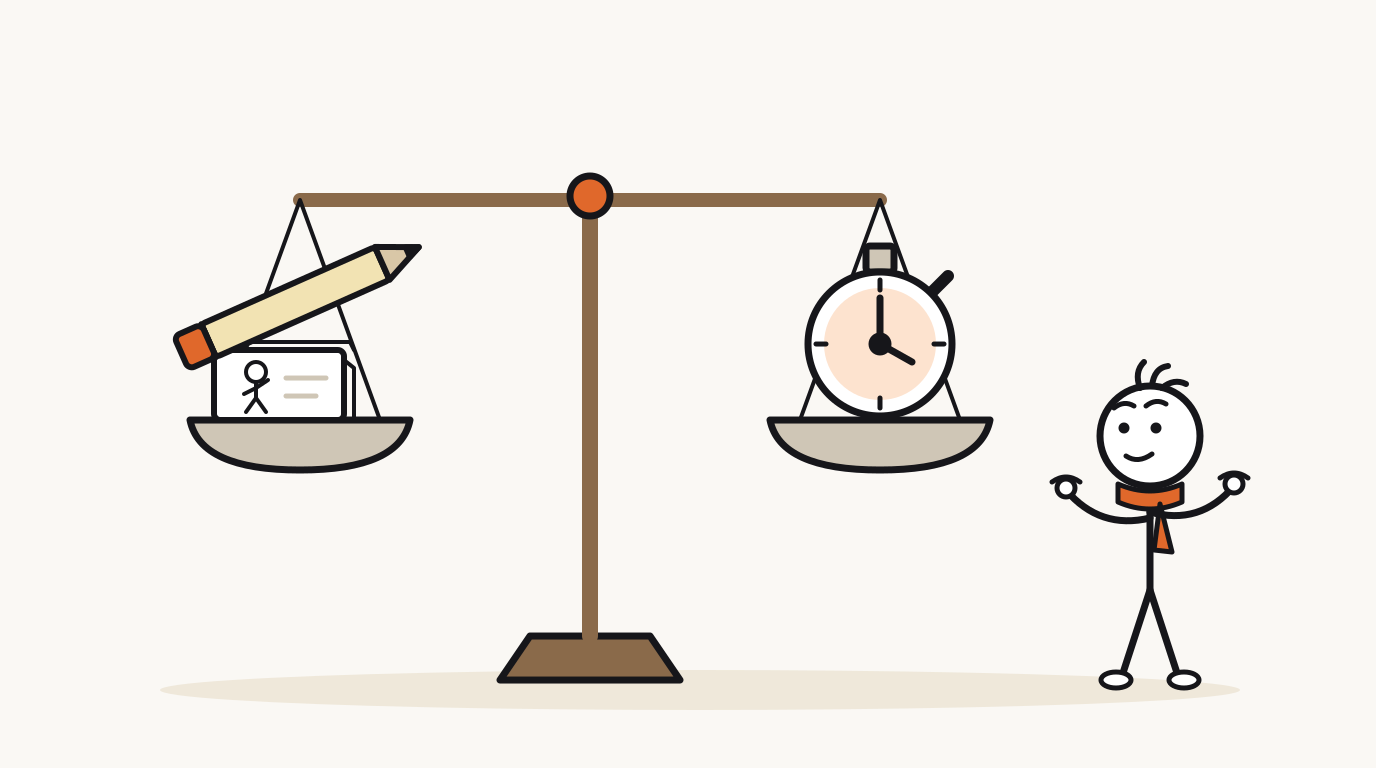
Every option on this list sits somewhere between two poles: full control over every pose, or a finished video in minutes. Work through these questions in order and the list shrinks fast.
- Total beginner on Windows, no budget: Pivot Animator.
- Animating on your phone: Stick Nodes, and Pro once you want MP4 and no watermark.
- Free on a Mac: Pencil2D.
- Rigged characters on a budget: Moho Debut.
- Studio pipeline or animation career: Toon Boom Harmony.
- Marketing and training whiteboard videos: Doodly or VideoScribe; Vyond if your company is paying.
- AI stick figures that move and talk: Atlabs Stick Style.
- Short-form clips in many formats, with auto-posting: Hooked.
- Researched, narrated explainers for a faceless channel: StickTale. The stick figure video maker use case shows what that looks like.
- Do your figures need to move? If the video is a fight, a dance or a physical gag, you need frame-by-frame or rigged software. If one picture per idea is enough, you can skip animation entirely.
- Match your device. Windows: Pivot Animator. Mac: Pencil2D or Moho. Phone or tablet: Stick Nodes or FlipaClip. Any browser: VideoScribe, Animaker or an AI generator.
- Count your hours, not just your dollars. Frame-by-frame time grows with every second of motion. If you plan to post several times a week, be honest about how many seconds you can animate in an evening.
- Price it per video. A $49 monthly plan is cheap at twenty videos a month and expensive at one. One-time licenses like Moho or Stick Nodes Pro win if you will use them for years.
- Check watermarks and rights on the exact plan you will pay for, before you publish on a monetized channel.
Questions
What app do YouTubers use for stickman animation?
It depends on the format. Animated stick fights and comedy are usually made in frame-by-frame tools: Pivot Animator on Windows, Stick Nodes on phones (its App Store listing calls it one of the most popular animation apps among young animators), or FlipaClip. Faceless explainer channels often work differently, with still drawings and camera motion assembled in a video editor or made with an AI tool. No vendor publishes a reliable count of which channels use what.
Is Pivot Animator free?
Yes. Pivot's FAQ says everyone may use it free for personal or commercial use, including schools. It runs only on Windows, has no sound support, and its installer includes optional offers you can decline. Download it from pivotanimator.net, not a mirror site.
Is there a Pivot Animator for Mac?
No. Pivot's FAQ says the current version runs only on Windows and suggests Boot Camp or WINE as workarounds. On a Mac, Pencil2D is free and native, Moho Debut ($59.99, one-time) adds bone rigging, and Stick Nodes runs on iPhone and iPad.
What is the best stickman animation app for Android and iPhone?
Stick Nodes is the closest thing to Pivot on a phone: you pose jointed stick figures, and Pro ($3.99 one-time on the US App Store) adds MP4 export, sound effects and no watermark. FlipaClip is better if you would rather draw each frame by hand. Both are free to start.
Can AI make stickman animations?
Yes, in different ways. Atlabs Stick Style generates stick figures with motion and lip sync from a script. Hooked has a stickman style preset for short-form clips. StickTale turns a question into a researched, narrated explainer made of still drawings with camera motion, which is not frame-by-frame animation. StickTale has no free plan, Hooked doesn't list one, and Atlabs gives free signup credits for a short preview.
Is Adobe Animate being discontinued?
Not anymore. Adobe announced plans to discontinue it in early 2026, then reversed. Its maintenance mode FAQ, updated June 8, 2026, says Animate remains available to new and existing users with security and bug fixes, but no new features are planned.
Make your first stickman video
StickTale is in private beta. Join the waitlist and we’ll send your invite as soon as a spot opens.