Growth
How Often Should You Post YouTube Shorts? Cadence, Batching and a Weekly Plan

By the StickTale team
· 10 min read
There is no magic number of YouTube Shorts per week. YouTube's own guidance is to pick a schedule you can maintain, and its analysis found that growth in views isn't correlated with time between uploads. For most solo explainer creators, two to five Shorts a week, made in batches and released on fixed days, is a pace that holds quality steady; post more only if your swipe-away rate doesn't get worse.
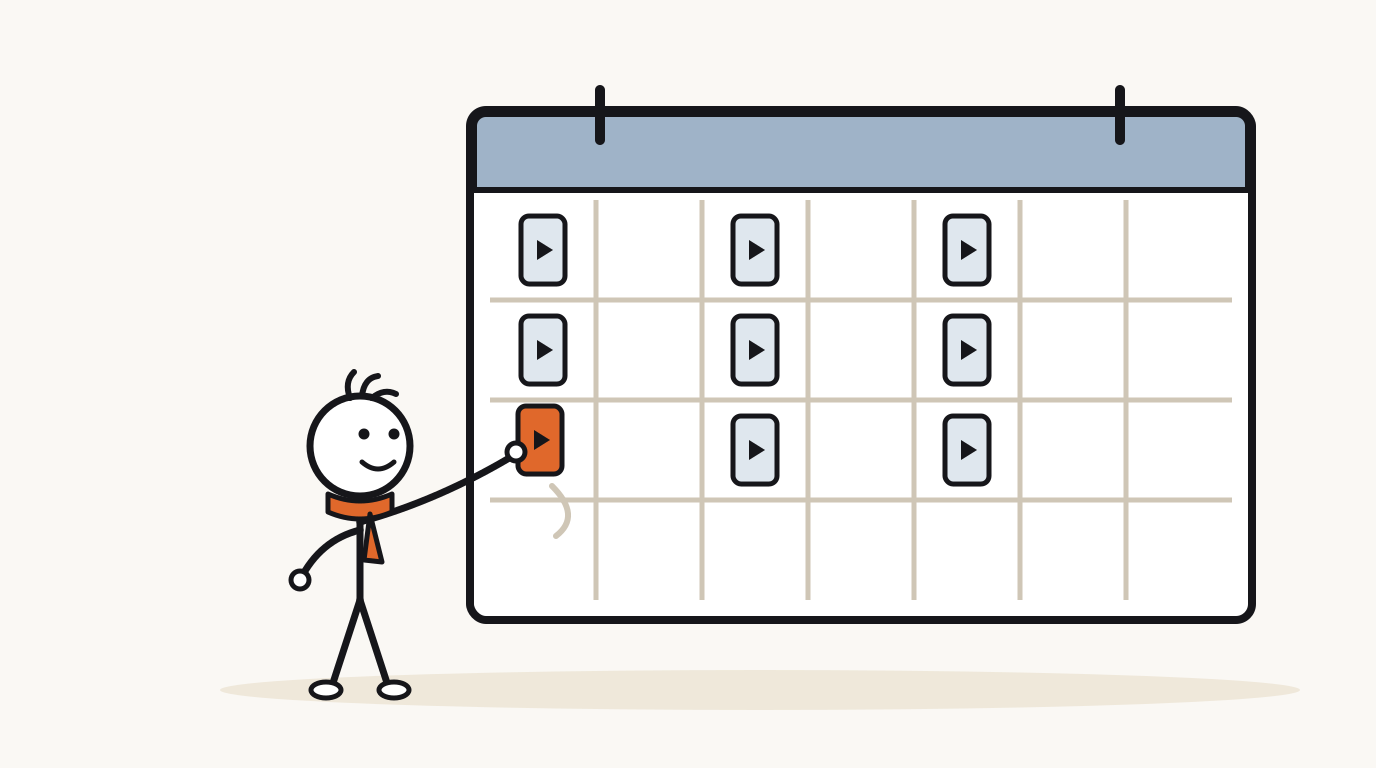
Is there a best number of Shorts to post per week?
No, and YouTube says as much. Its Shorts upload tips advise you to try "sticking to a posting schedule you can maintain" because "consistency is key". Its upload schedule tips for Shorts ask two questions instead of giving a number: how often do you upload, and is that frequency sustainable over the long term?
YouTube's data points the same way. The performance FAQ says its analysis "found that growth in views across uploads is not correlated with time between uploads", and the recommendation system help page advises: "Prioritize consistent quality content over a high frequency of uploads."
So the real question isn't "how many?" but "how many can I make well, every week, for months?" The rest of this guide helps you answer that with numbers.
What changes when you post Shorts more or less often?
Every cadence trades time for chances. More Shorts means more chances to find a topic that takes off and faster learning from your analytics. Fewer Shorts means more time per video for research, fact-checking and a stronger hook.
The table below shows the cost in hours. It uses two assumptions you should replace with your own: about 3 hours per Short when you research, script, record and edit by hand, and about 30 minutes per Short when a tool drafts the video and you spend your time checking facts, fixing lines and uploading. Shorts per 90 days is the weekly number times 13 weeks.
- Learning speed: at 3 a week you have about 12 Shorts after four weeks, enough to compare a few hook styles. At 1 a week you'd need three months for the same comparison.
- Idea supply: daily posting needs 91 good, verified questions per quarter. Count your idea list before choosing that pace.
- Quality floor: whatever the cadence, every Short still needs a true hook, a clean payoff and checked facts.
| Cadence | Shorts per 90 days | Hours a week by hand | Hours a week with a tool | Best for | Main risk |
|---|---|---|---|---|---|
| 1 a week | 13 | 3 | 0.5 | Long-form channels using Shorts as trailers | Too few uploads to learn what works. |
| 3 a week | 39 | 9 | 1.5 | Solo creators with a day job | Easy to skip a week and lose the habit. |
| 5 a week | 65 | 15 | 2.5 | Shorts-first channels finding their series | Research time per Short gets thin. |
| 1 a day | 91 | 21 | 3.5 | Creators with a big backlog of checked ideas | Quality slips; facts go unchecked. |
| 2 a day | 182 | 42 | 7 | Teams or very simple formats | Viewers see you too often; swipe rate climbs. |
How many Shorts can you post in one day?
You can upload more, but your subscribers won't hear about all of it. YouTube's subscriber notification help page says viewers can get "a maximum of 3 new video notifications from each channel in a 24 hour period", and that cap covers uploads, live streams and Premieres together.
Publishing in bursts has a second cost. The same page says that if you publish more than 3 videos in a short time period, YouTube may temporarily stop sending notifications for 24 hours. Its suggestion is to upload as private and publish at different times instead.
- Keep it to 3 public uploads or fewer per day, counting long videos and live streams.
- If you post two or three Shorts in a day, space them hours apart rather than publishing at once.
- Upload finished Shorts as private or scheduled, so a production batch doesn't become a publishing burst.
How do you batch-produce Shorts?
Batching is YouTube's own advice. Its Shorts schedule tips suggest "filming Shorts in batches and saving in-progress Shorts as drafts whenever possible." For a narrated explainer channel, the same idea applies to every stage: doing one kind of task many times in a row is faster than switching between tasks for each video.
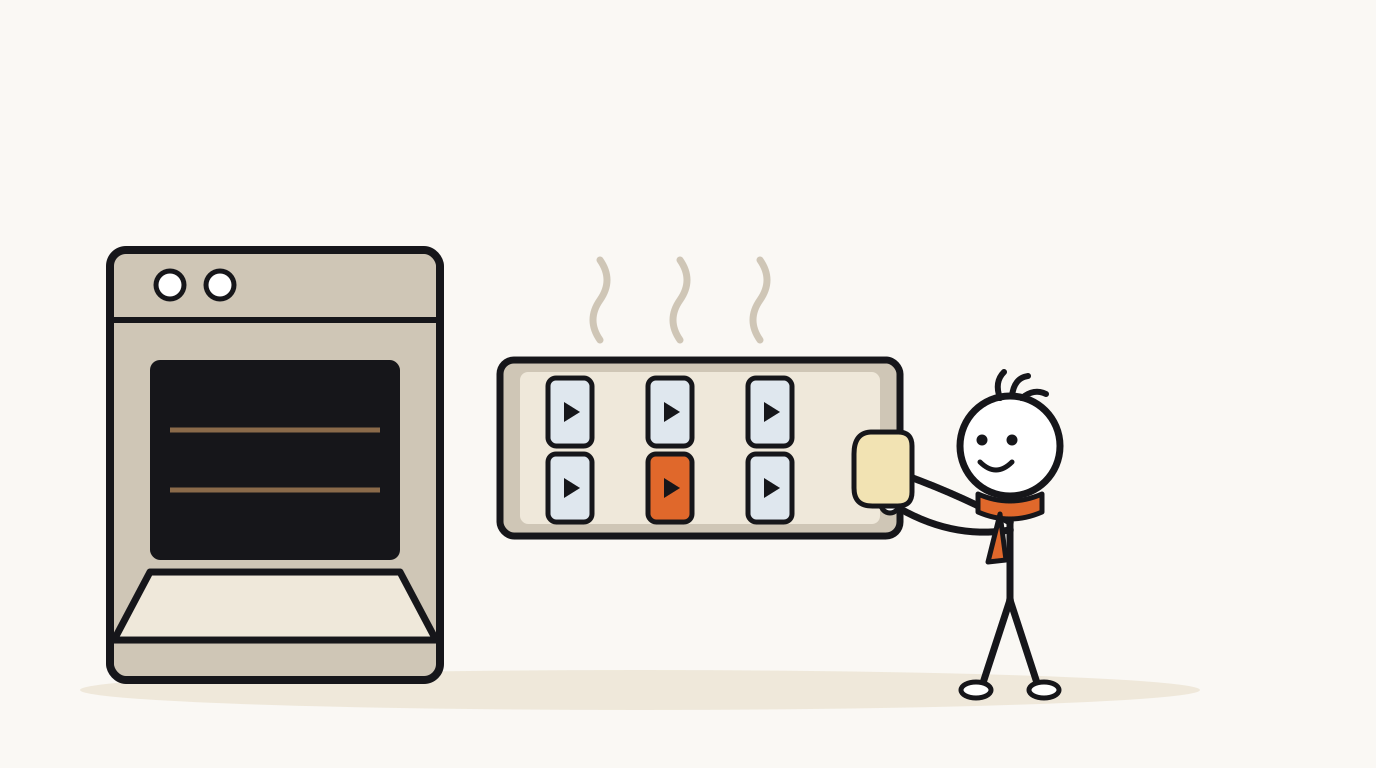
Here is a weekly batching session for six explainer Shorts. The order matters: facts get checked before anything is produced, so you never polish a video you'll have to delete.
- Pick (20 minutes): choose six questions from your idea list, two per series.
- Research (1 hour): write a three-line note for each: the answer, the surprising detail, the source.
- Script (1 hour): write all six scripts, then write three hooks for each and keep the best.
- Check (30 minutes): reread every factual sentence against its source. Cut anything you can't back up.
- Produce: record or generate all six, then review them back to back and fix weak lines or pictures.
- Schedule (20 minutes): upload all six as private or scheduled, with titles and thumbnails, spread across the week.
What does a good weekly Shorts schedule look like?
Fixed days help viewers and help you. YouTube's schedule tips ask whether you're consistent about both your upload schedule and your content schedule, so tie each day to a series. Viewers who like your Tuesday myth-busting Short learn to expect the next one.
Here are three plans for a one-person explainer channel. Each one assumes a single batching session at the start of the week and two or three recurring series.
- Light suits a creator with a full-time job. It's 26 Shorts a quarter, which is enough to find a winning series.
- Standard leaves Wednesday and Friday free, so a missed day doesn't break the pattern.
- Heavy only works if your idea list and fact-checking keep up. Try it for four weeks and compare.
| Day | Light (2 a week) | Standard (4 a week) | Heavy (7 a week) |
|---|---|---|---|
| Monday | Batch session | Batch session; Short: "Why" question | Batch session; Short: "Why" question |
| Tuesday | Short: myth correction | Short: myth correction | Short: myth correction |
| Wednesday | - | - | Short: number or comparison |
| Thursday | - | Short: number or comparison | Short: "Why" question |
| Friday | Short: "Why" question | - | Short: myth correction |
| Saturday | - | Short: viewer question from comments | Short: viewer question from comments |
| Sunday | Plan next week | Long video every other week | Short: best of the week's topic, retold |
Does the time you post Shorts matter?
Less than most guides claim. YouTube's performance FAQ says publishing when your audience is most active "can be beneficial for early viewership" but "isn't known to impact a video's long-term viewership."
If you want a starting time, use your own data. The audience analytics help page describes a report in YouTube Studio that "shows you when your viewers are online across YouTube in the last 28 days". Pick a slot shortly before the busiest hours and keep it, so the time becomes part of your routine rather than a daily decision.
How do you know if your posting frequency is working?
Compare four-week blocks, not single Shorts. YouTube's Shorts content tab tips define the key early metric: the percentage of times viewers viewed your Shorts versus swiped away. If you raise your cadence and that percentage falls, you're trading quality for volume.
When you compare months, note that YouTube's engaged views explainer says views have been counted from the first frame since August 24, 2026, while most analytics stay anchored on engaged views. Use engaged views for before-and-after comparisons.
Cadence also changes how much each Short must carry. The Partner Program page asks for 10 million qualified Shorts views in 90 days for the Shorts route. That's an average of about 110,000 views per Short at 1 a day (91 Shorts in 90 days), or about 256,000 per Short at 3 a week (39 Shorts). Volume lowers the average each Short has to reach, but only if quality holds.
| What you see | What it suggests | Try next |
|---|---|---|
| Viewed share steady, views and subscribers rising | The pace is working | Keep it, or add one Short a week |
| Viewed share falling as cadence went up | Quality is slipping | Drop back one step and spend the time on hooks |
| Strong viewed share, few uploads | Each Short is good; you're under-supplying | Add a Short in your best series |
| You skipped batch sessions twice | The pace isn't sustainable | Choose the lighter plan for the next block |
What if you miss a week?
Post the next Short on your normal day and carry on. YouTube's recommendation system help page says the algorithm doesn't penalize creators for taking breaks. A missed week mostly costs you the habit, which is why the schedules above leave slack days.
Plan for gaps before they happen. YouTube's schedule tips suggest accounting for holidays and your own vacations when you build an upload calendar for the coming weeks. One spare batch of three evergreen Shorts, scheduled and ready, covers a sick week without a scramble. For how Shorts fit with longer videos on a growing channel, see how to grow a faceless YouTube channel.
Questions
Is it good to post YouTube Shorts every day?
It can be, if you have enough checked ideas and the quality holds. YouTube doesn't recommend a number; it recommends a schedule you can maintain. If your viewed vs swiped away share drops when you go daily, post less often.
Is posting 3 Shorts a day too much?
It's the most YouTube will notify subscribers about: viewers get at most 3 new-video notifications per channel in 24 hours, including long videos and live streams. If you post three, space them hours apart, and only keep that pace if each Short is still strong.
Can posting too many Shorts hurt your channel?
Posting more doesn't hurt by itself, but weaker videos can. YouTube's performance FAQ says channel views can decline when viewers stop watching most of your videos when they're recommended.
What is the best time to post YouTube Shorts?
Use the report in YouTube Studio that shows when your viewers are on YouTube. YouTube says posting when your audience is active can help early viewership but isn't known to affect long-term viewership, so consistency matters more than the exact hour.
Should I post Shorts and long videos on the same day?
You can. Notifications are capped at 3 per channel per 24 hours across uploads, live streams and Premieres, so one Short and one long video on the same day both fit under the cap. Spacing them a few hours apart gives each its own moment in your subscribers' feeds.
Make your first stickman video
StickTale is in private beta. Join the waitlist and we’ll send your invite as soon as a spot opens.