Edit your video
Choose or change your character
A recurring character makes a faceless channel recognizable. StickTale draws a character sheet first and draws every scene from it, so your stickman looks the same from the first scene to the last.
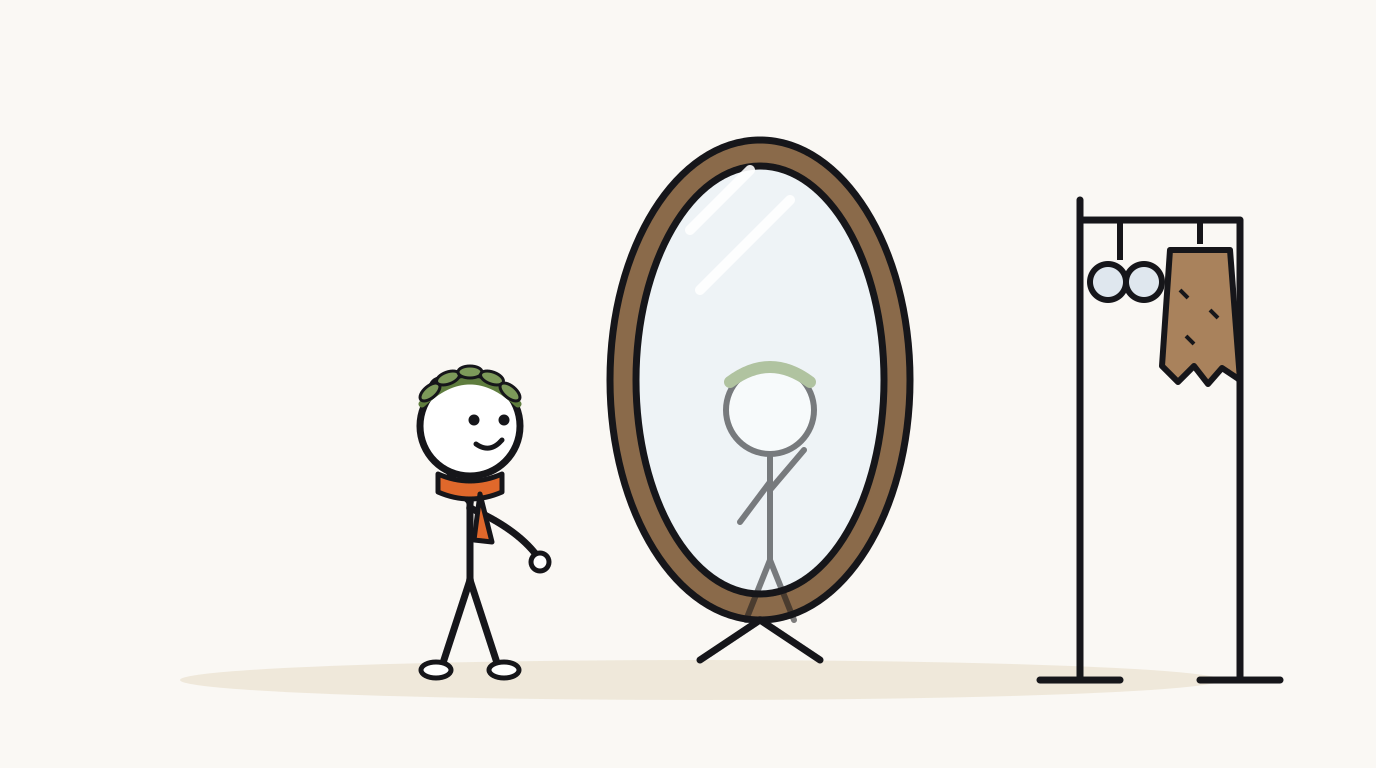
Pick a character before you create
In the composer, open the character menu:
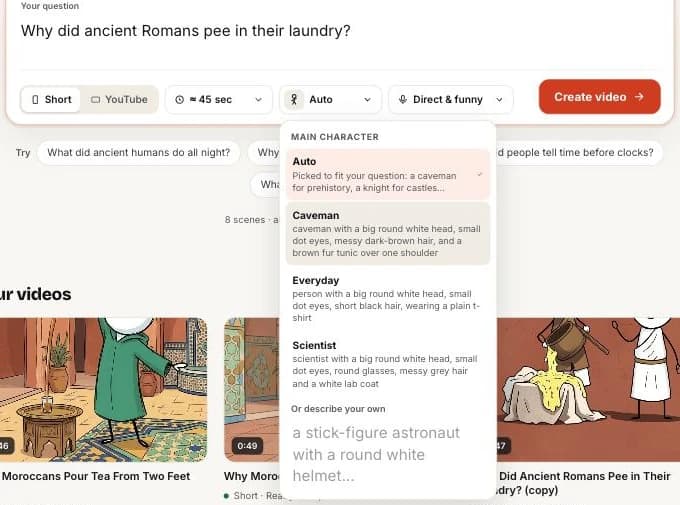
- Auto (default): the writer picks someone who fits the question, like a Roman fuller or a medieval peasant.
- Caveman, Everyday, Scientist: ready-made characters.
- Describe your own: a role, hair, clothing and one signature item, like “a Viking with a braided red beard and a round wooden shield”.
Change the character after the video is made
Open Captions, voice & character and scroll to Character. You will see the character sheet and its description.
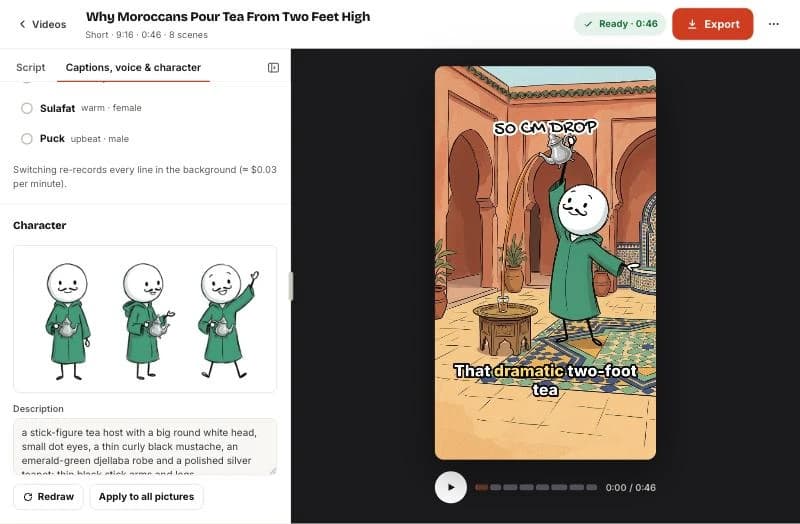
- Edit the Description.
- Click Redraw to draw a new character sheet. Check it looks right.
- Click Apply to all pictures to redraw every scene with the new character.
Questions
Can I have two characters?
One main character stays consistent across scenes. Other people in a scene (an emperor, a crowd) are drawn as needed from the scene description.
Can I use a real person as the character?
No. Do not describe real, identifiable people. See the terms.
Related help



Updated October 22, 2026 · Still stuck? support@sticktale.com
Make your first stickman video
StickTale is in private beta. Join the waitlist and we’ll send your invite as soon as a spot opens.