Edit your video
Edit lines, pictures and scenes
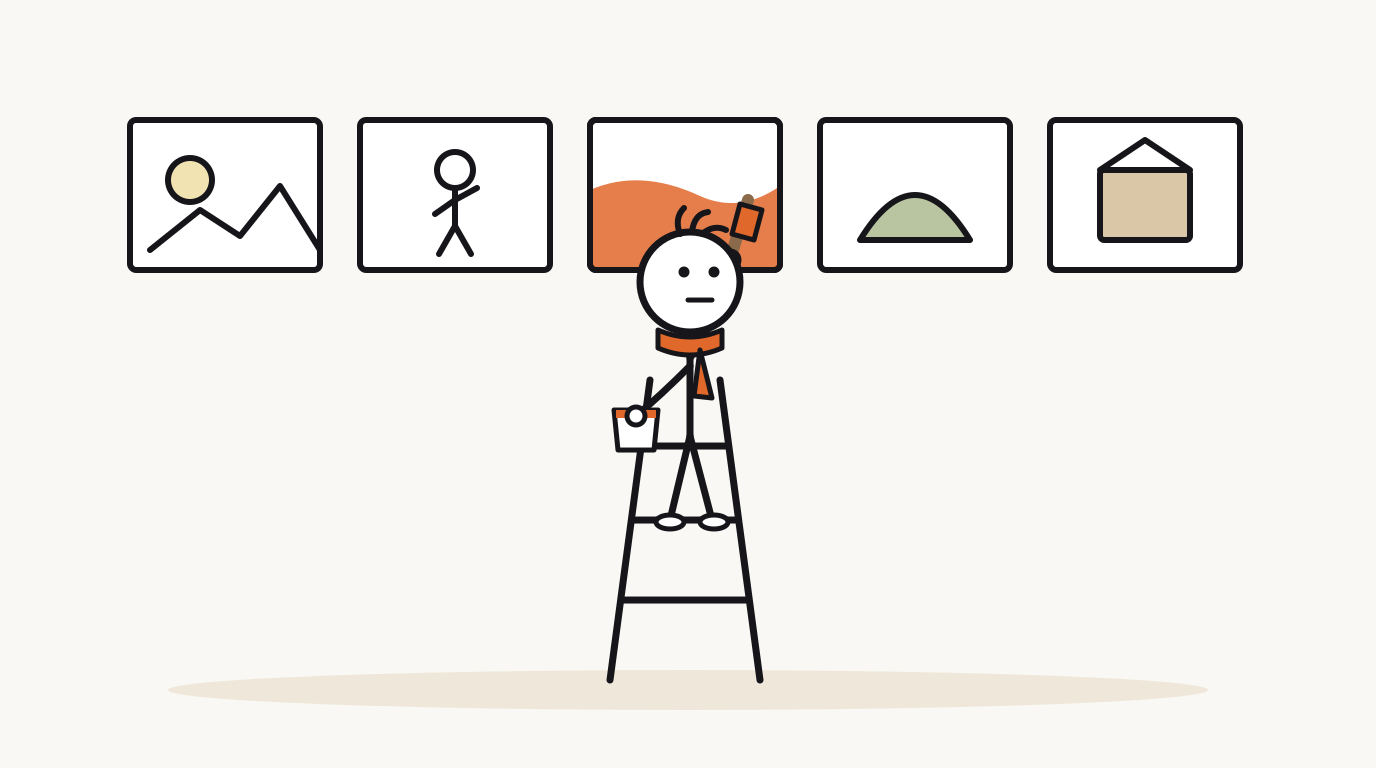
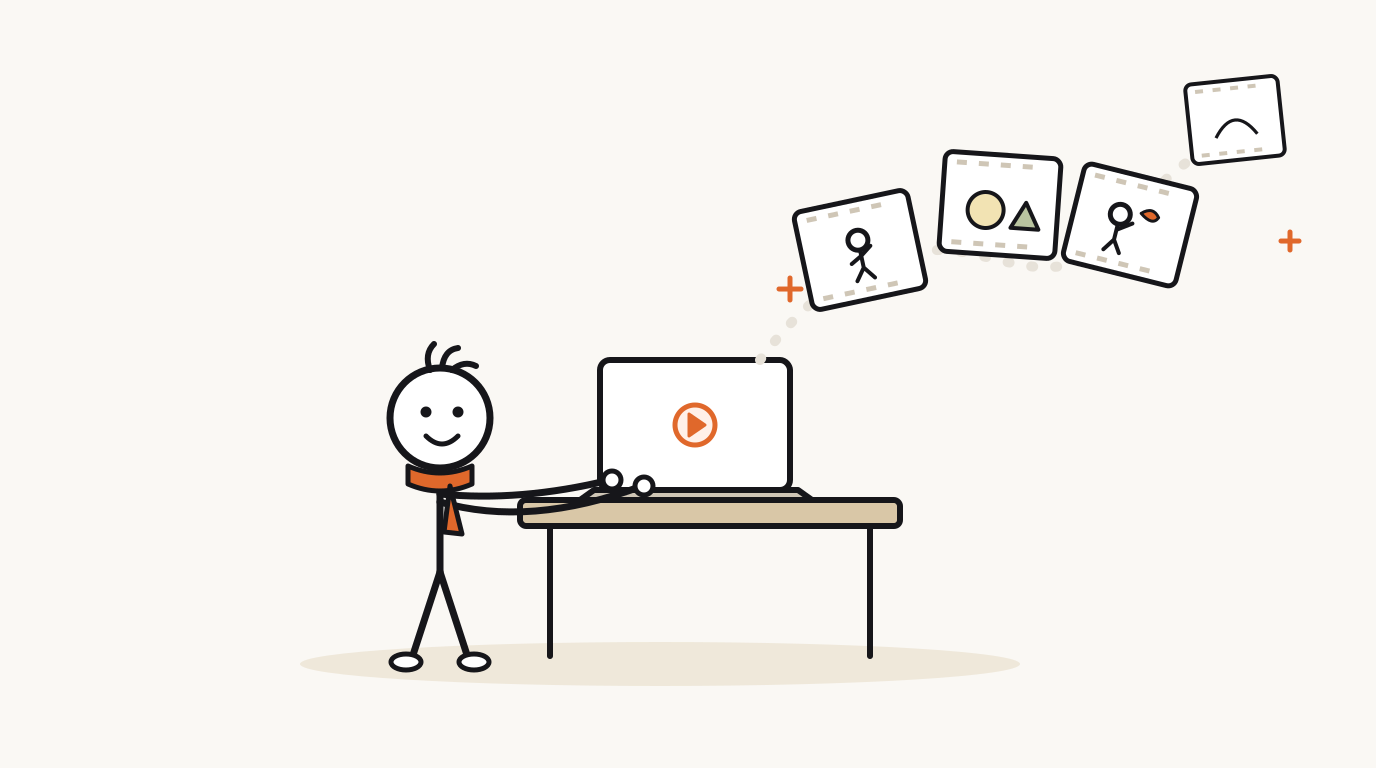
Every line of the script is one scene: one picture and one piece of narration. You can change any scene on its own, so fixing a detail never means starting over.
Open a scene
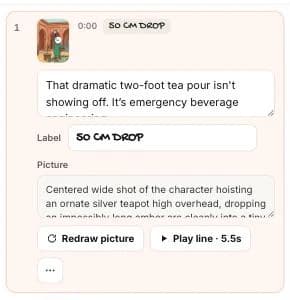
In the Script tab, click a line. The scene opens with its narration, an optional label, the description of its picture, and buttons to redraw or play it.
Rewrite a line
Edit the narration text directly. The line is re-recorded automatically together with its neighbors, so the voice stays consistent and does not sound pasted in.
Keep the line about the same length if you can. Each scene shows its picture for as long as its line takes to say.
Redraw a picture
If a picture is wrong, change its description and click Redraw picture. Only that scene is redrawn, with the same character and style.
- Describe one clear action: who is in the picture, what they are doing, their expression and the setting.
- Say where things are: “the character on the left, the emperor on the right”.
- Avoid asking for words inside the picture. Use a label instead (below), which stays sharp and readable.
- Click Redraw picture.
Add a label
Labels are short hand-lettered words at the top of a scene, like a date, a name or a key term (“URINE TAX”, “77,000 YEARS”). Use Add label on a scene. Keep them to one to three words.
Add, insert or delete scenes
Use Add scene at the bottom of the script to add one at the end. To put a scene in the middle, open the ⋯ menu on the scene before it and choose Insert scene after. The same menu has Delete scene.
New scenes get a picture and narration automatically once you write their line and description.
Questions
Why did changing one line re-record others?
Lines are recorded in groups so the narration sounds like one performance. Re-recording a line with its neighbors keeps the tone and pace even.
Does redrawing change the character?
No. Every picture is drawn from the same character sheet. To change the character itself, see choosing a character.
Related help
Updated October 22, 2026 · Still stuck? support@sticktale.com
Make your first stickman video
StickTale is in private beta. Join the waitlist and we’ll send your invite as soon as a spot opens.